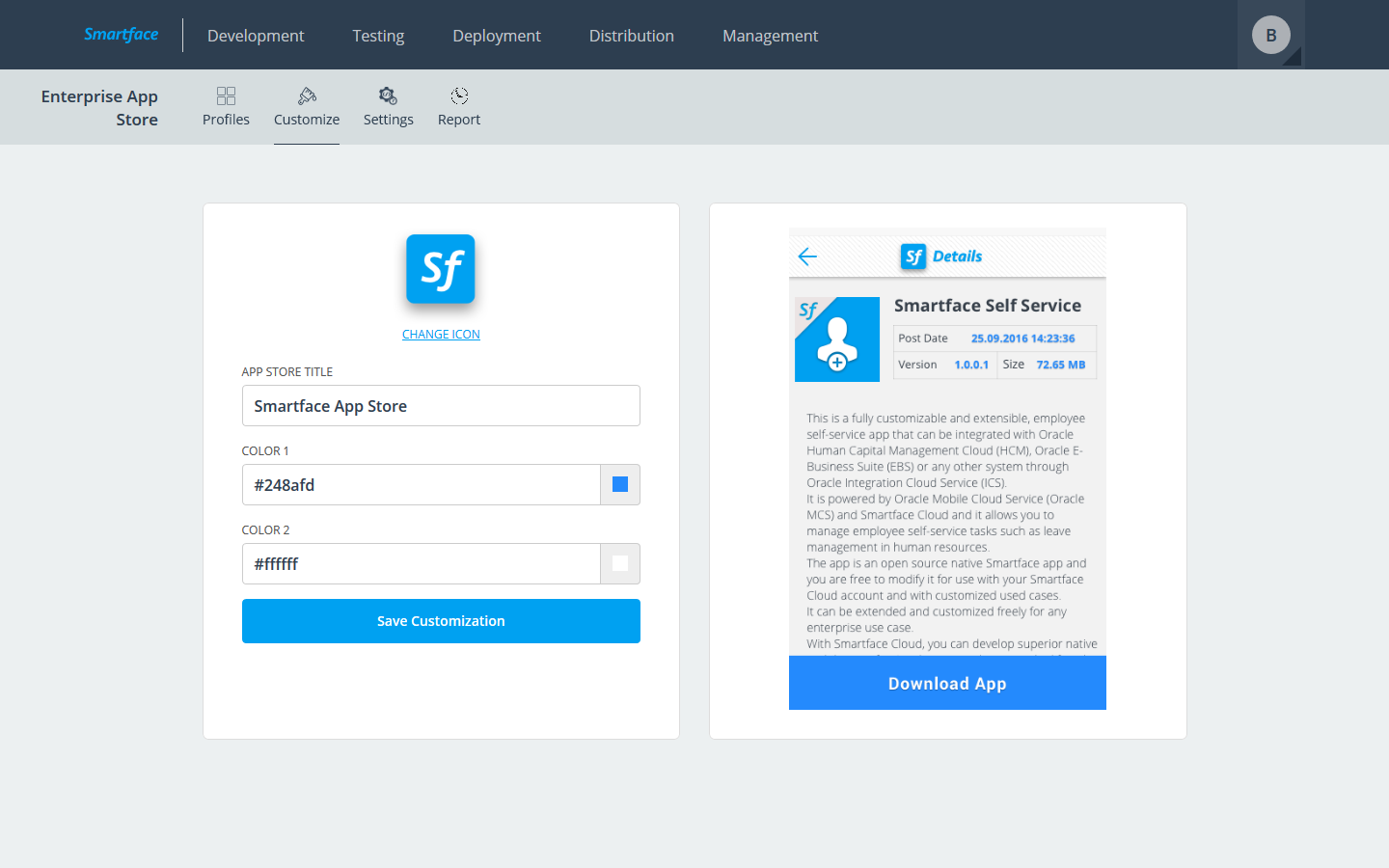
From the “Customize” tab under the Enterprise App Store module, you can change the web storefront viewed by the end users. The following items are editable:
- Store logo displayed on the header
- Store title displayed on the header
- Color 1: The background color of the download button and text color of app metadata
- Color 2: The text color of the download button
Please note that the image on the right is not a dynamic image and provided as a guide only.
After editing, press “Save Customization” to apply the changes to the storefront.